Read.
Think.
Annotate.
A fullscreen PDF reader designed around the way you actually read and think. Pick up your Apple Pencil and start writing — without leaving your book.

Your Apple Pencil is always ready.
No edit mode. No annotation mode. No switching back and forth. A finger is for reading. An Apple Pencil is for writing. It simply works the way paper always did.
Keep reading.
Even when you write.
PageBuddy keeps your book front and center. Write, underline, circle ideas, and make notes directly on the page while staying in fullscreen.
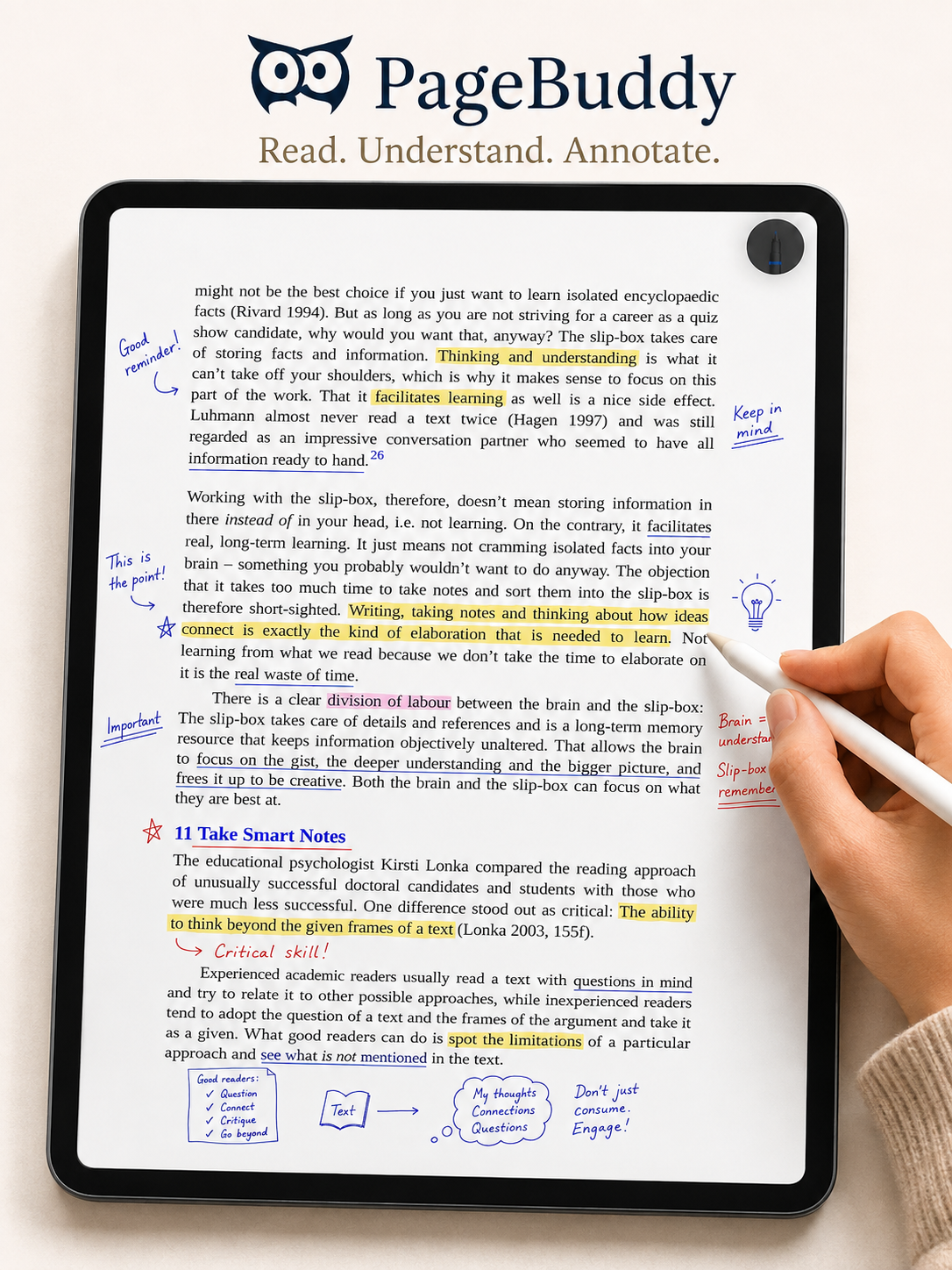
No importing.
No PDF silo.
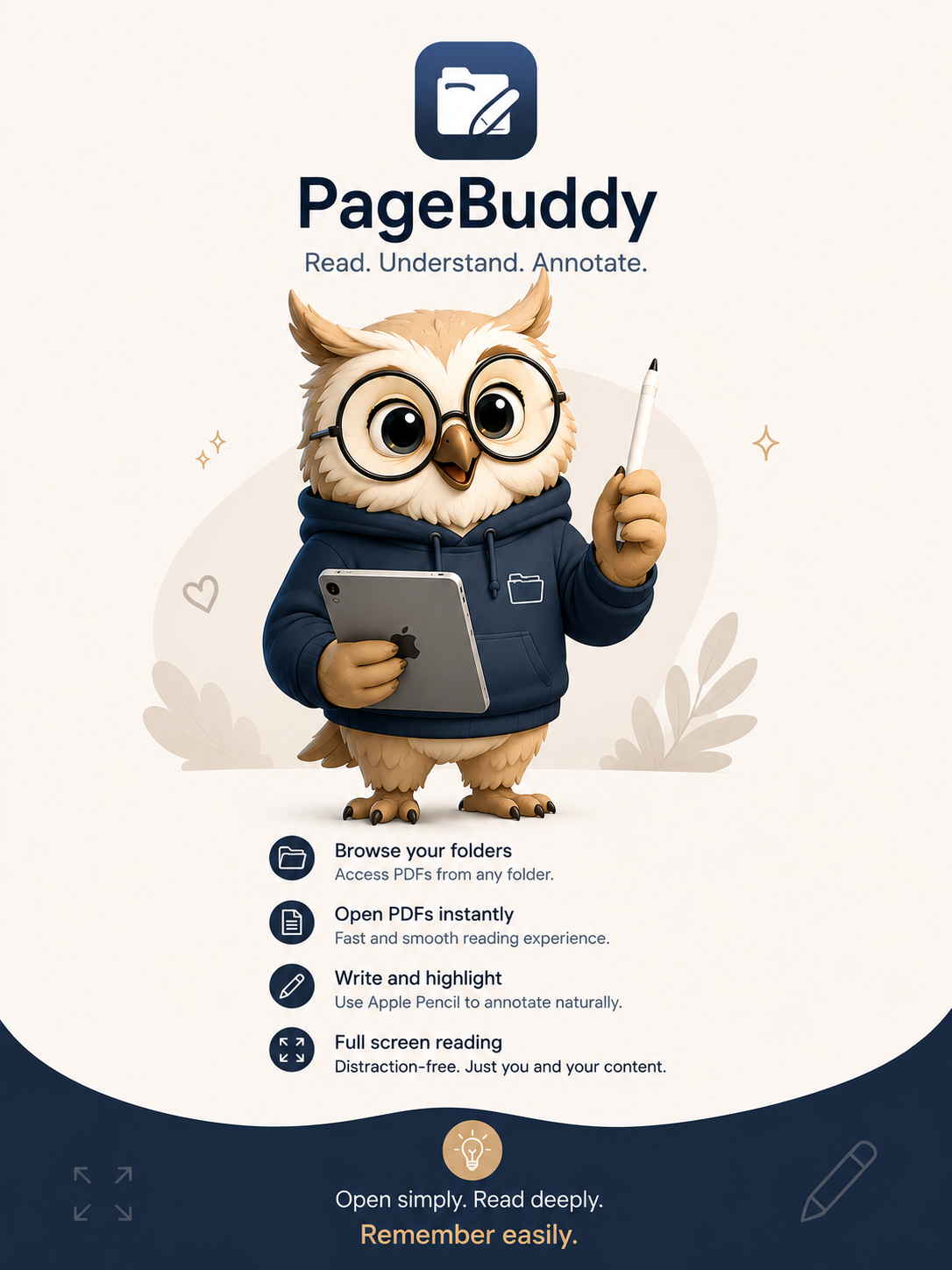
PageBuddy works with the PDFs already in the folders you choose. Your library stays where you put it instead of being copied into another app.
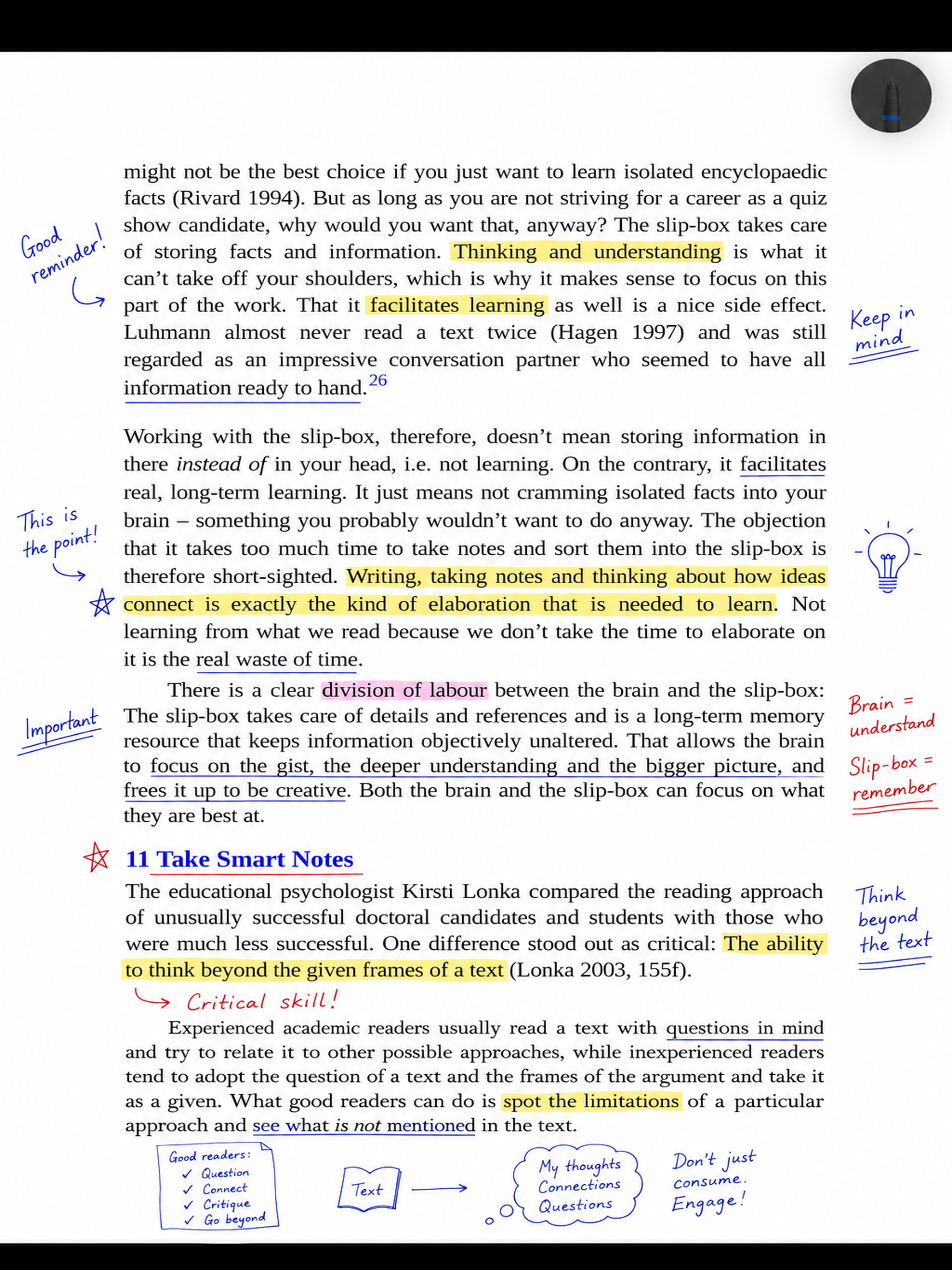
Make the book yours.
Highlight ideas. Underline important passages. Draw connections. Write down what you think while you are thinking it.
Original PDFs stay untouched.
Your annotations live separately from the original file. Export an annotated PDF whenever you need one.
Your progress follows you.
Reading progress, book state, and annotations can sync between your devices through iCloud.
Your books are remembered.
When a familiar PDF appears again in one of your folders, PageBuddy can recognize it and restore its annotations and reading progress.
The PDF reader that keeps you reading — even when you start writing.
PageBuddy brings reading and annotating back together.
Coming to the App Store